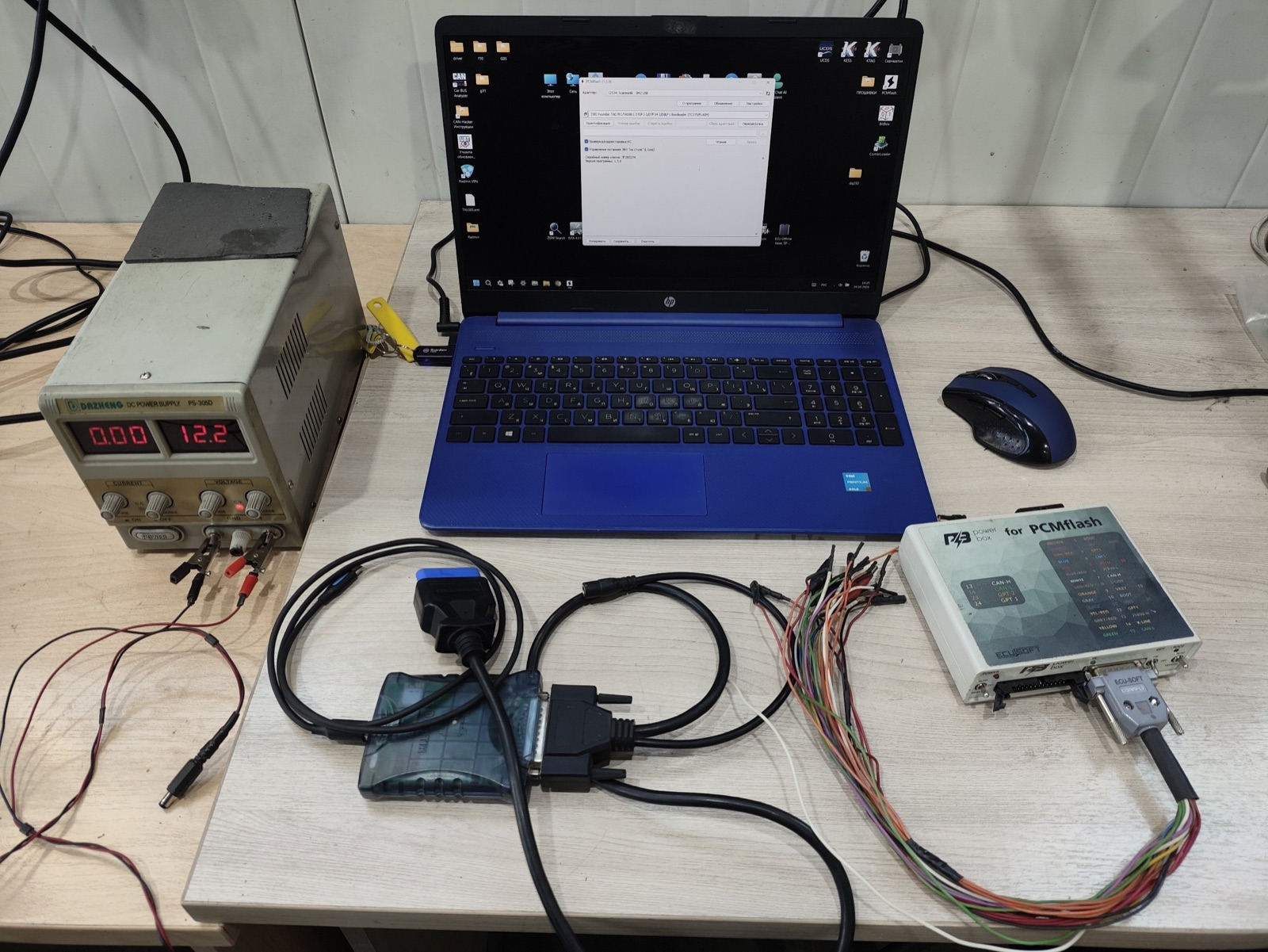


Santa Fe owners have asked us many times to update the TCU (transmission control unit, also called TCM) of the 8-speed wet dual-clutch gearbox 8DCT D8LF1. We decided to sort it out and explain it in plain terms.
Hyundai released several software updates (ROM IDs) for this transmission:
VTMPD22XXX920KSB — OLD
VTMPD22XXX900KSA — OLD
VTMPD22XXX832KS9 — OLD
VTMPD22XXX800KS8 — OLD
VTMPD22XXX920KSC — NEW, the latest one at the moment.We found no difference between IDs starting with V or W — or, to be precise, we haven’t figured it out yet.
There are a few ways to update the TCU. The first, and probably the most correct one, is the dealer GDS scanner with an official subscription. The second — without GDS — is described in this article.
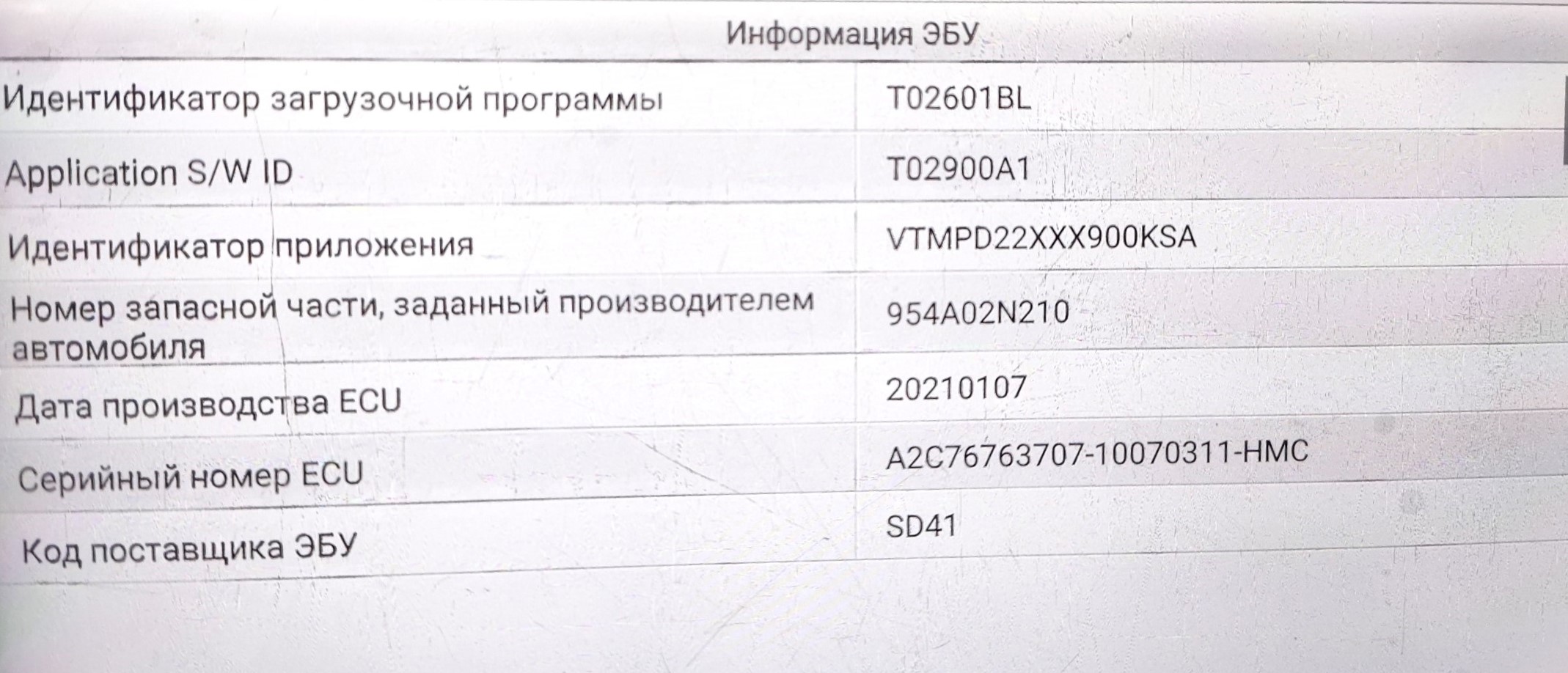
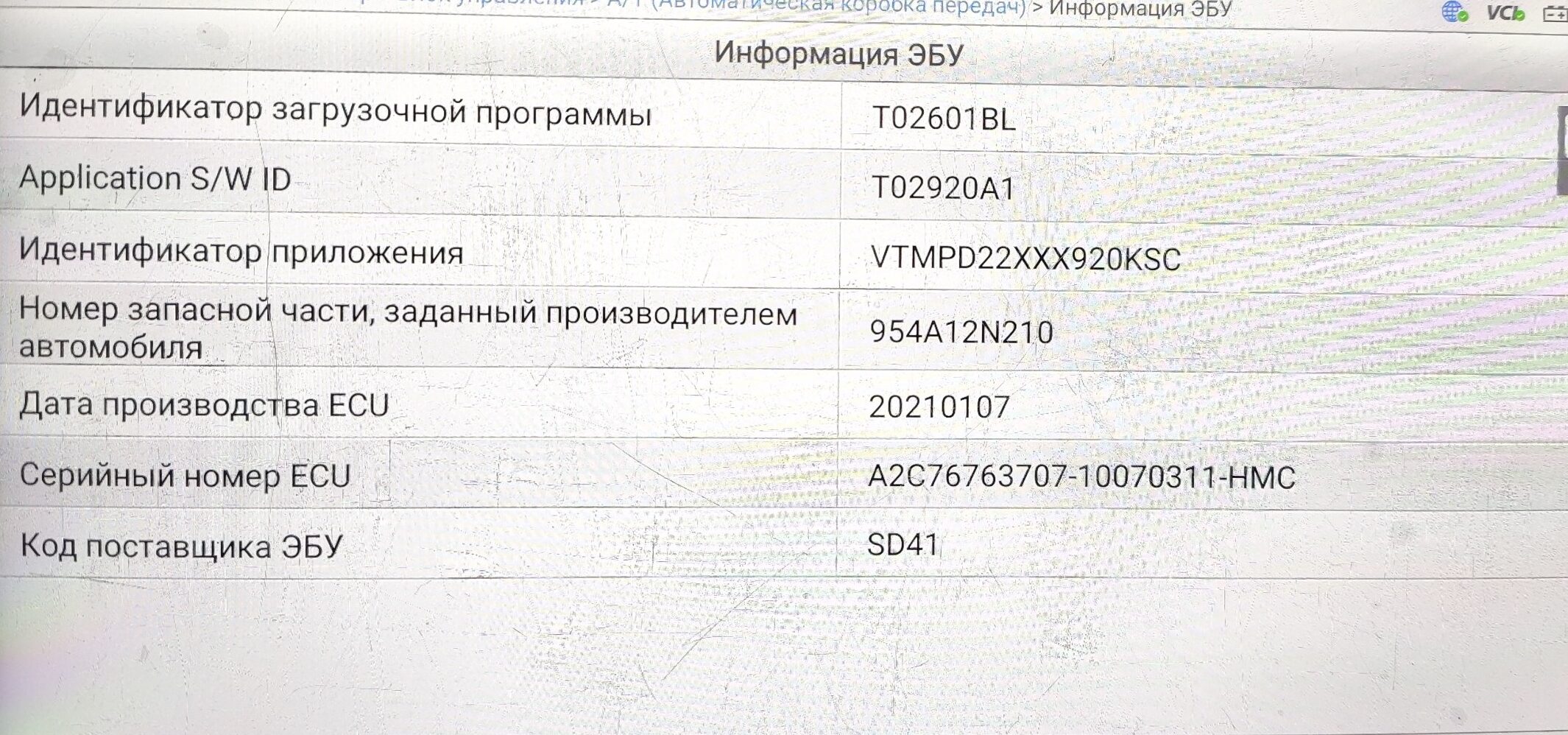
These photos clearly show the TCU application ID changing before and after the update.
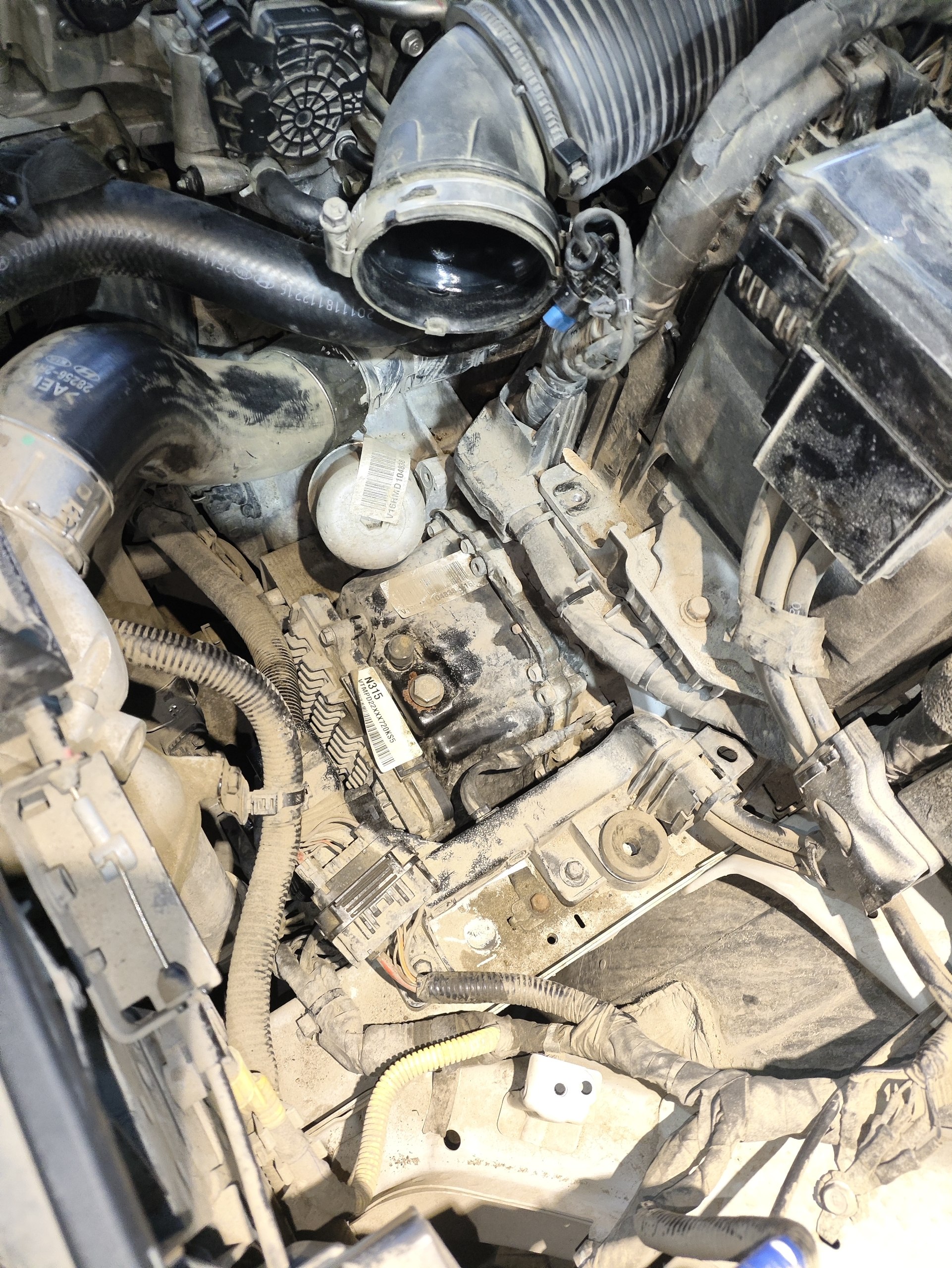
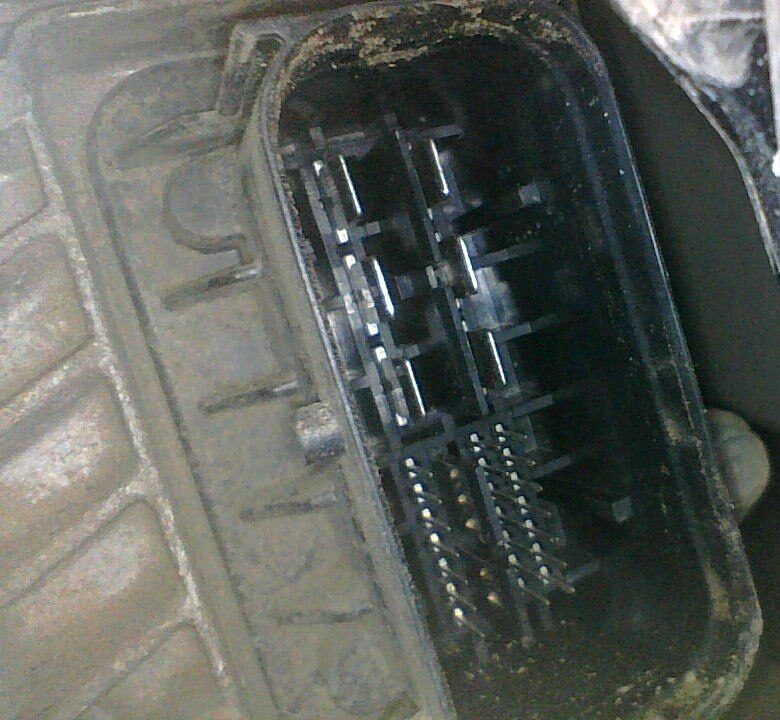
Flashing the TCU requires a direct connection to its connector. To reach it, remove the air filter.
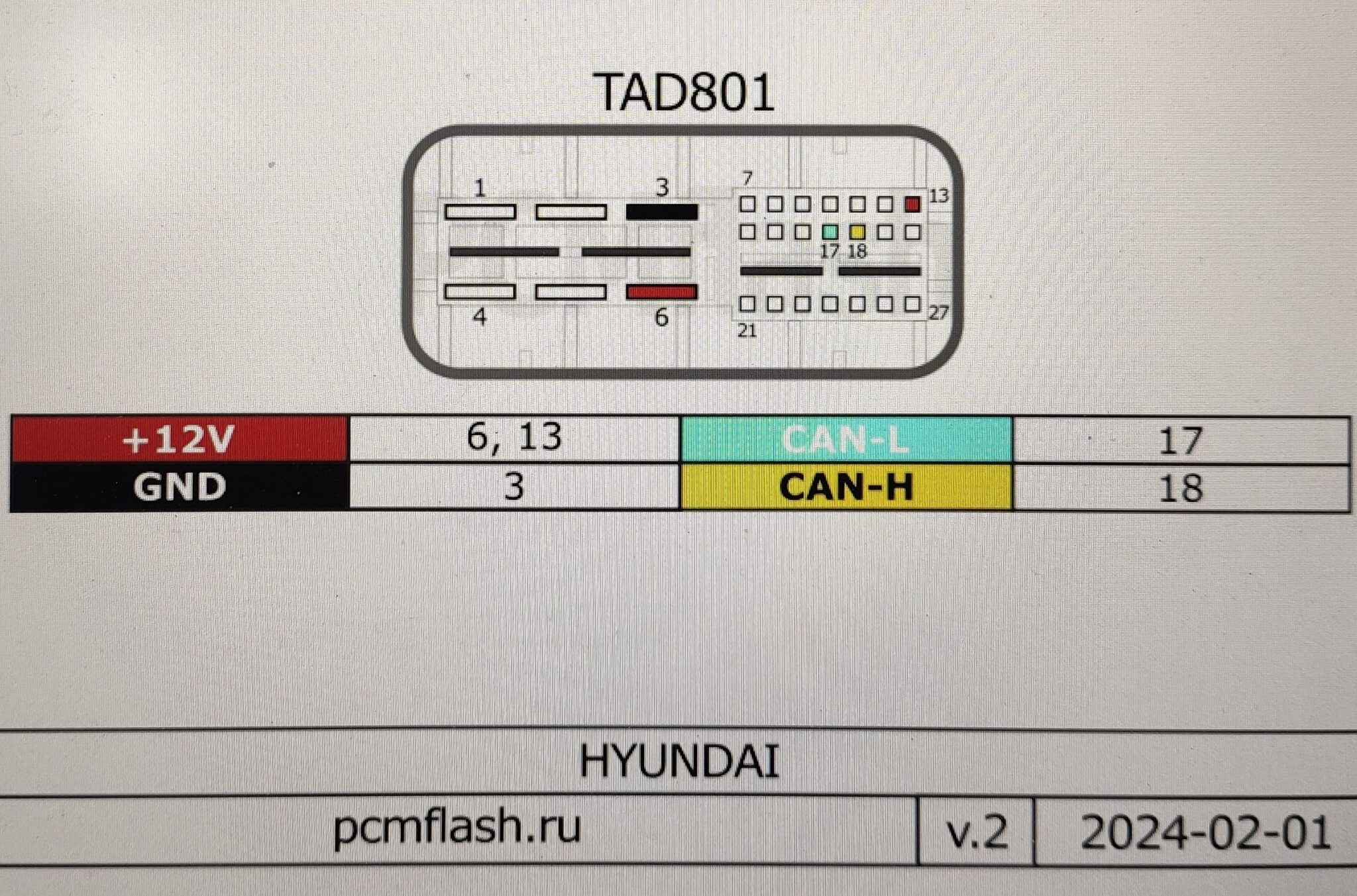
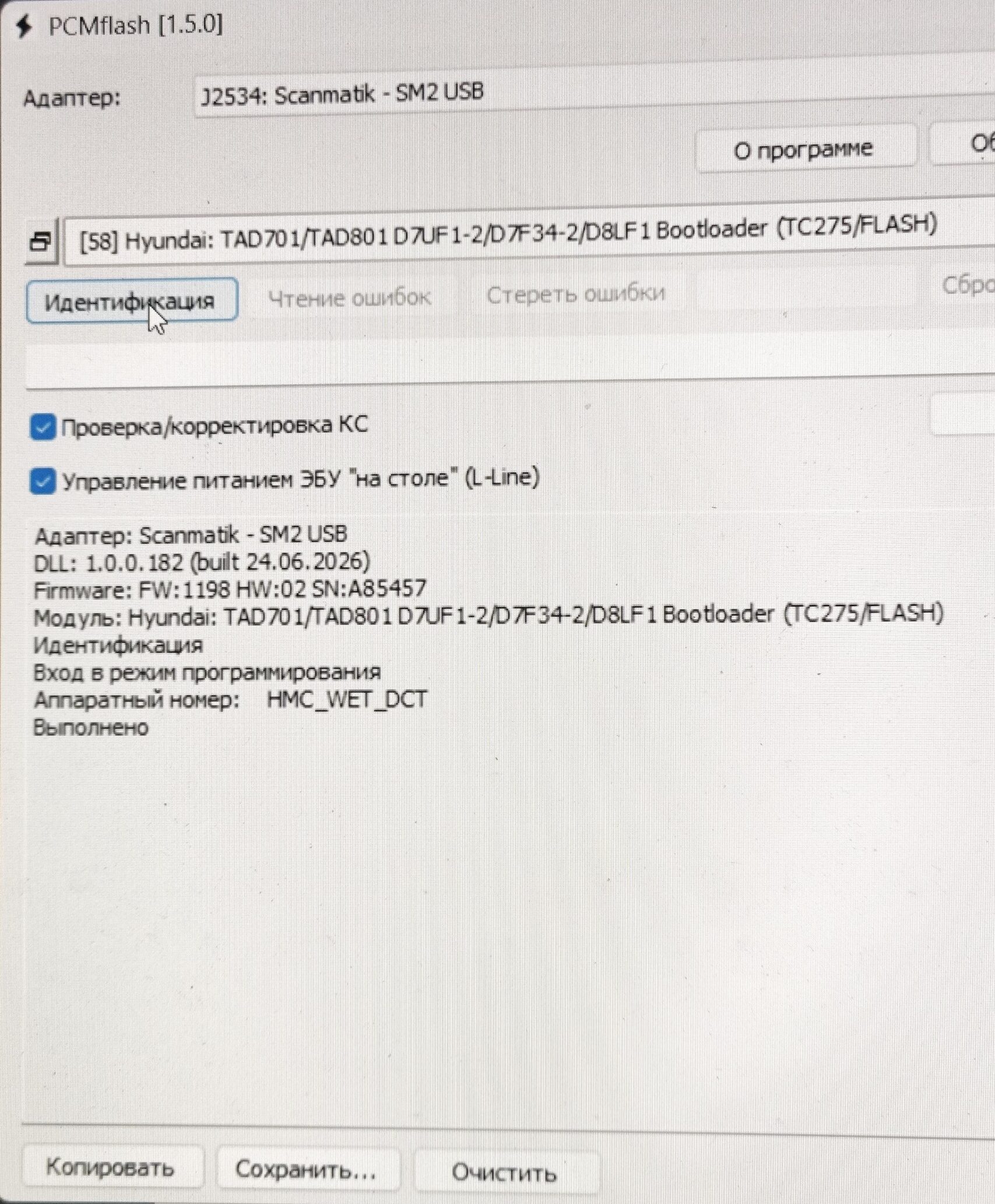
You will need licensed PCMflash software. For an update like ours, rewriting only the calibrations is enough.
The VTMPD22XXX920KSC firmware file is available in our shop — see the card below.
Message us — we will send payment options and the file